TypeScript
Stars:0portmanager-extension
Raycast extension for managing ports.

diegoleteliers105 repos★ 81 follower0 following
portmanager-extension
View on GitHub ↗clicks 0
Port Manager
A powerful Raycast extension for monitoring and managing open ports on your Windows system. Quickly view all active TCP ports, identify which processes are using them, and terminate processes with a single action.
Features
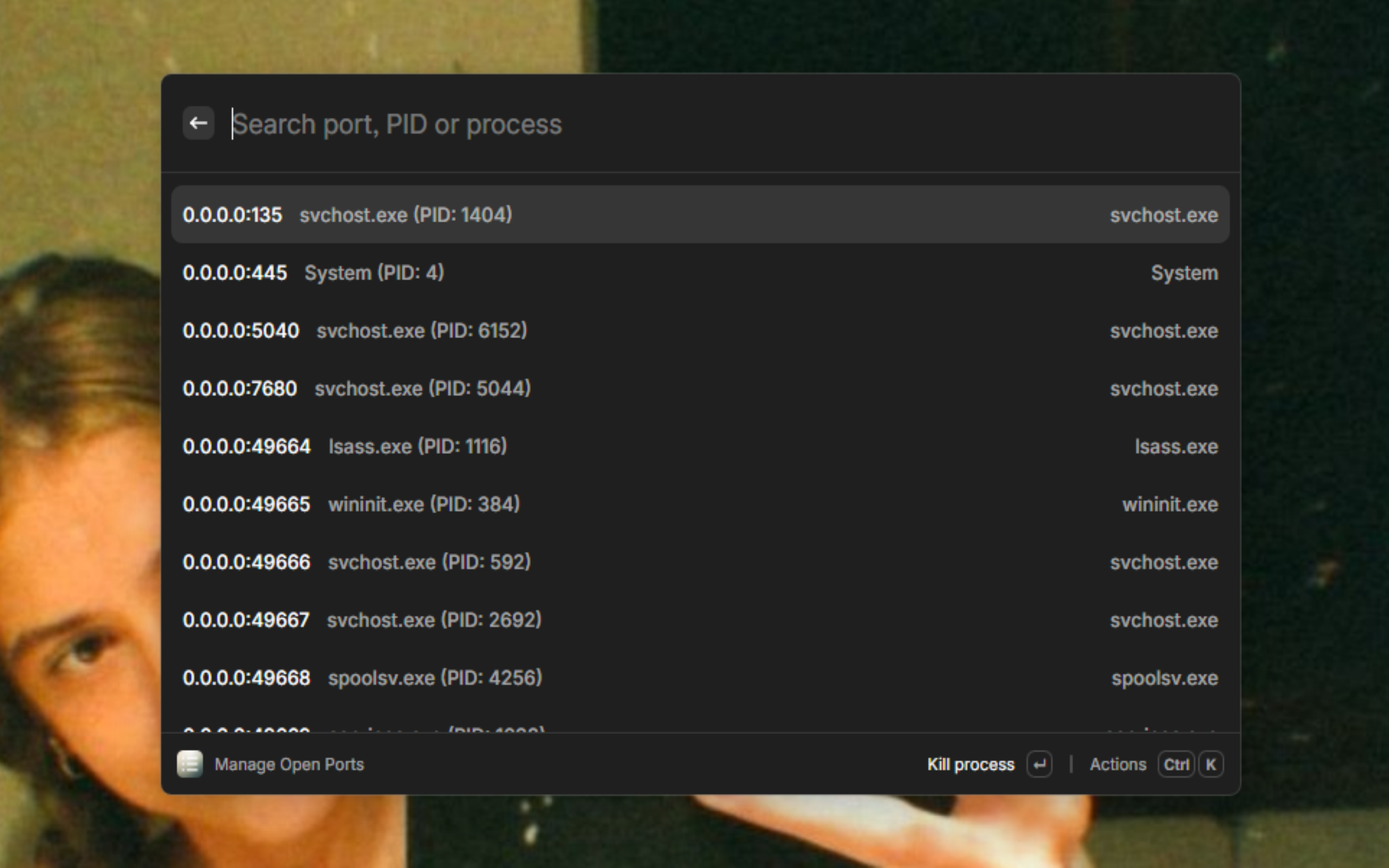
- Port Monitoring: View all open TCP ports on your system in real-time
- Process Identification: See which processes are using specific ports with process names and PIDs
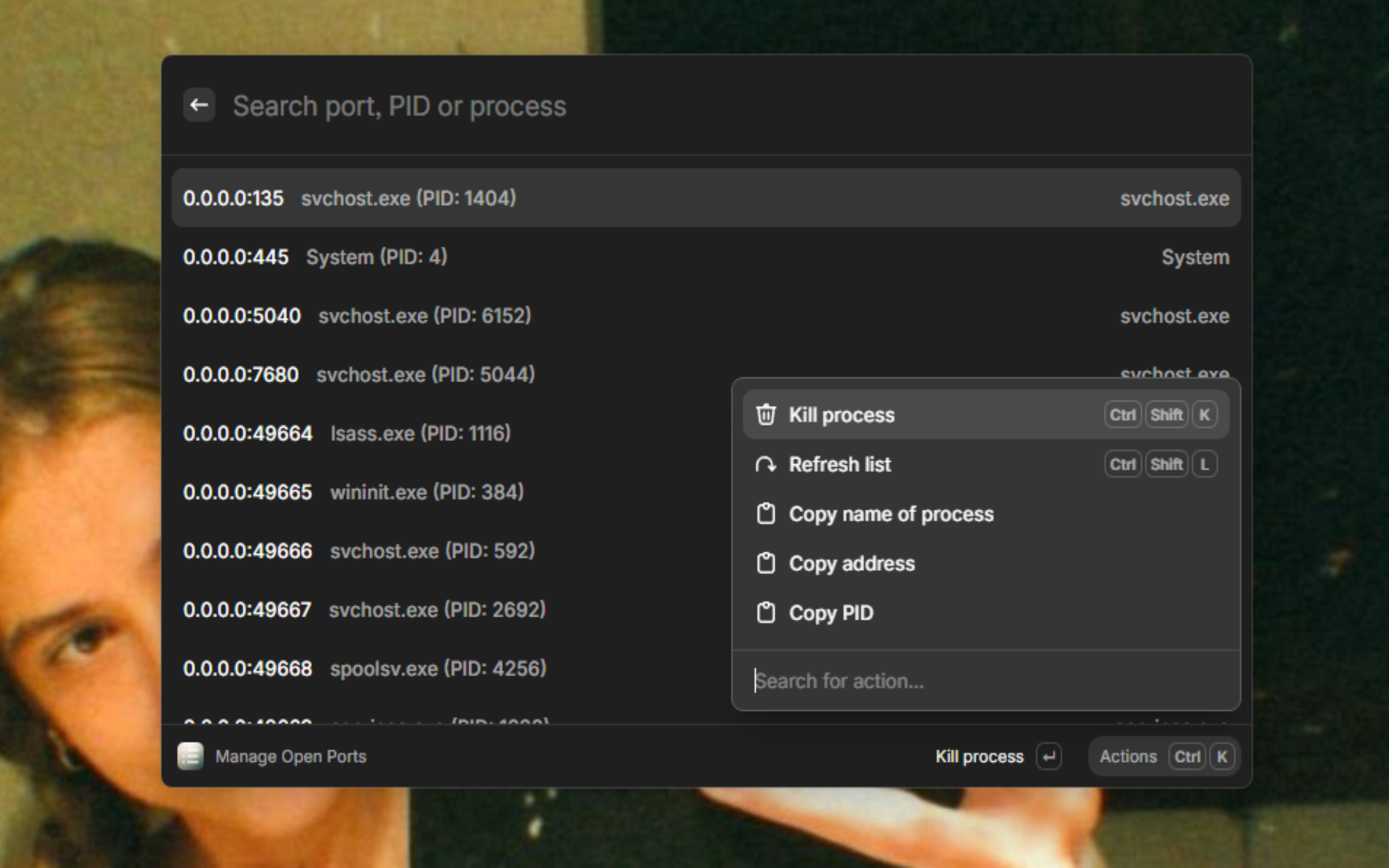
- Quick Process Termination: Kill processes using specific ports with a single action
- Search & Filter: Search through ports by address, PID, or process name
- Copy Actions: Copy port addresses, PIDs, or process names to clipboard
- Keyboard Shortcuts: Quick actions with customizable shortcuts
- Real-time Updates: Refresh the port list to see current system state
- Error Handling: Robust error handling with user-friendly notifications
Screenshots
Main Interface
Action Panel
Installation
- Install Raycast on your Windows system
- Open Raycast and search for "Port Manager"
- Install the extension from the Raycast Store
- Grant necessary permissions when prompted